Know when to seek light.
And when to avoid it.
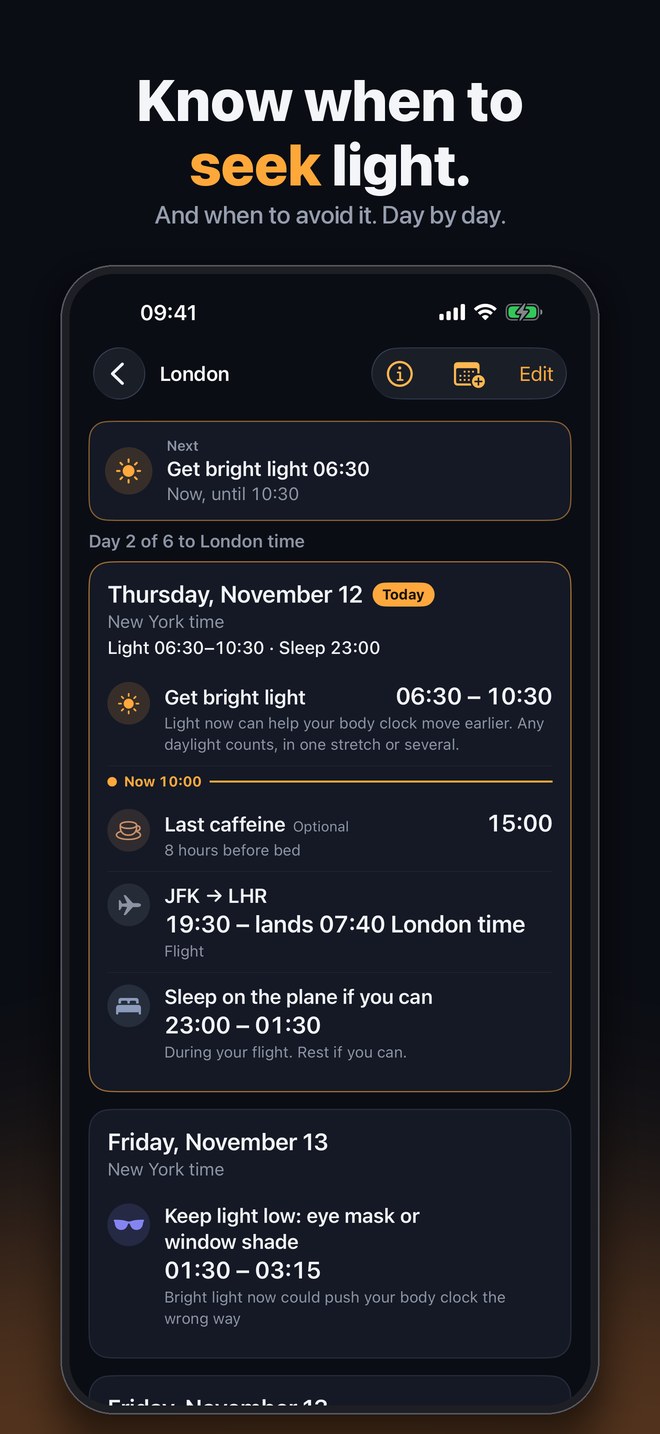
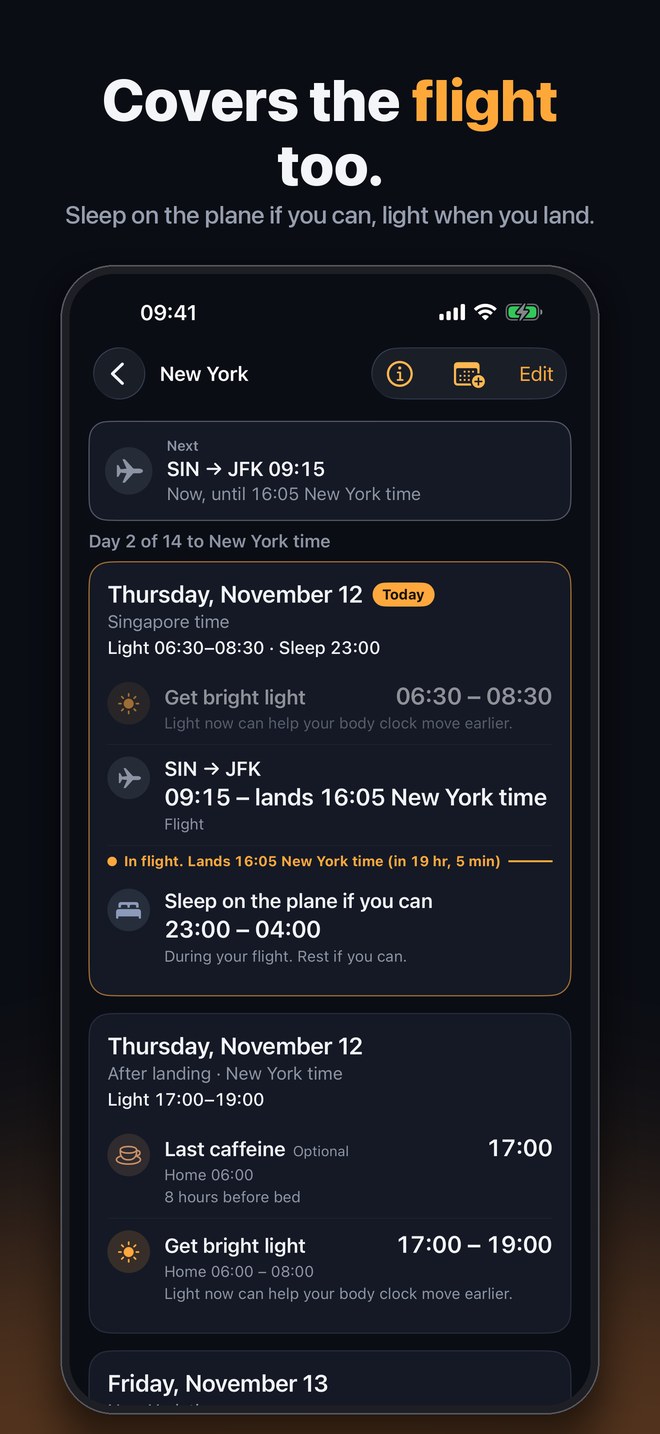
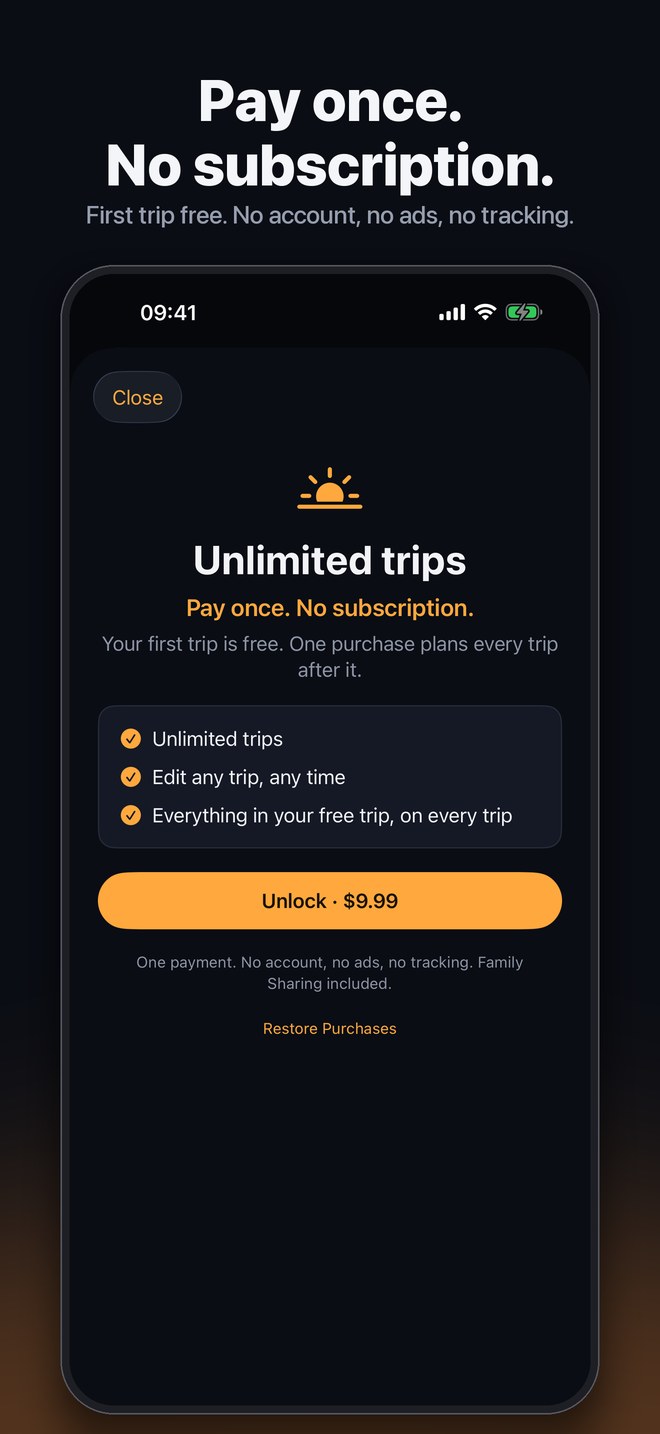
Landing Light plans your light, sleep and caffeine timing around your flights, day by day, in local time. Pay once. No subscription. No account.
Coming soon to the App StoreFor iPhone and iPad.
How it works
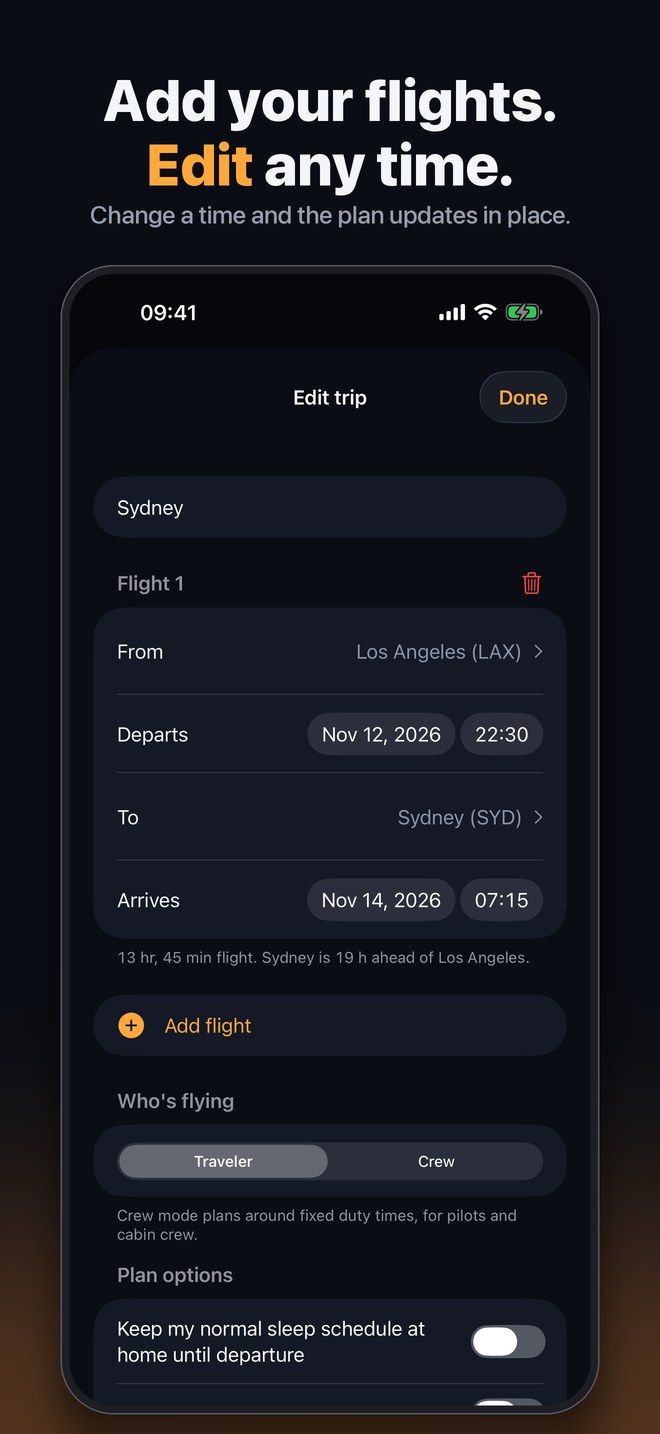
1. Add your flights
Pick cities and times. Edit any flight at any time and the plan updates in place.
2. Get a day-by-day plan
When to get bright light, when to keep lights low, when to sleep, and optional caffeine and nap timing.
3. Follow it as you go
Optional reminders, a Lock Screen widget and Add to Calendar. If you can't do a step, long-press it and the plan adjusts.
Built for people who fly a lot
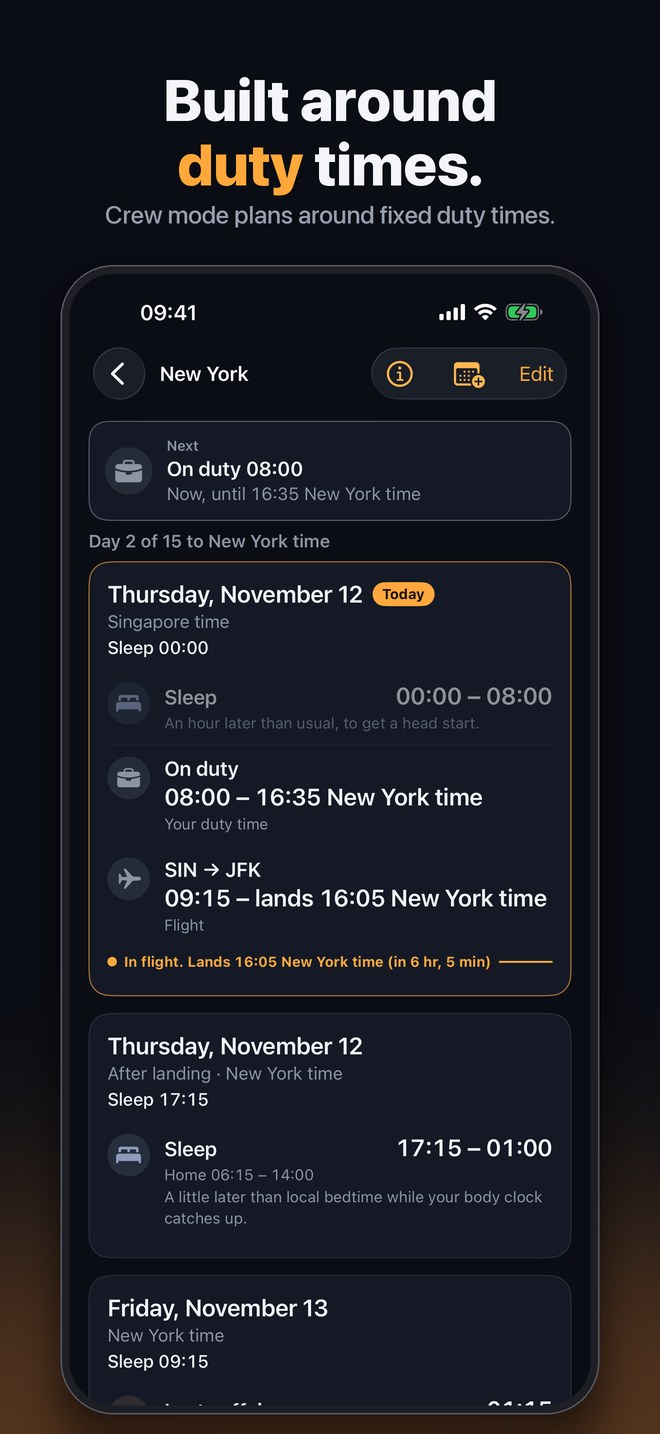
Crew mode
Plans around fixed duty times and never asks you to sleep during them. Always follow your operator's fatigue rules.
Pay once
Your first trip is free. One purchase unlocks every trip after it. Family Sharing included.
Private
No account, no ads, no tracking. Your trips stay on your device and it works offline.
Made for the airport run, too
Leave for the airport
Set how long you need to get ready, travel and be at the airport, per flight. Departure-day wake-up and a Leave step work back from take-off.
TripIt import
Optional. Paste your private TripIt calendar link once and your flights stay in sync. The app reads the feed directly from TripIt; nothing passes through us.
Zulu time
Optional. Show UTC under every step, handy for crew and anyone who plans in Zulu.
Landing Light provides general wellness scheduling information based on published circadian research. It is not medical advice and does not diagnose, treat, or prevent any condition. Talk to your doctor before using melatonin or if you have a sleep or medical condition, are pregnant, or take medication.