The teleprompter
you buy once.
Voice-follow scrolling on iPhone, iPad and Mac. One purchase unlocks everything. No account, no subscription, no servers.
Coming soon to the App Store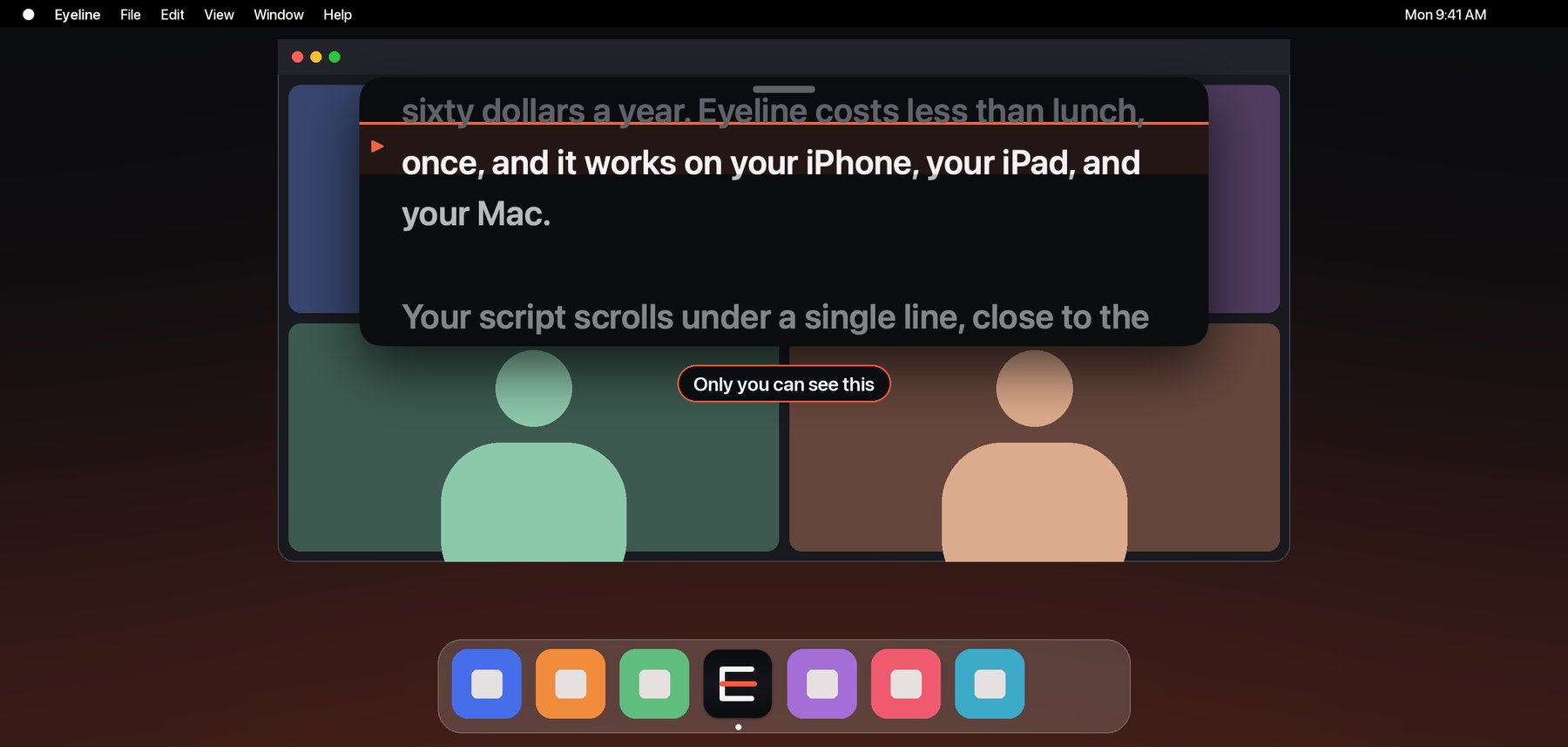
Stop renting a teleprompter.
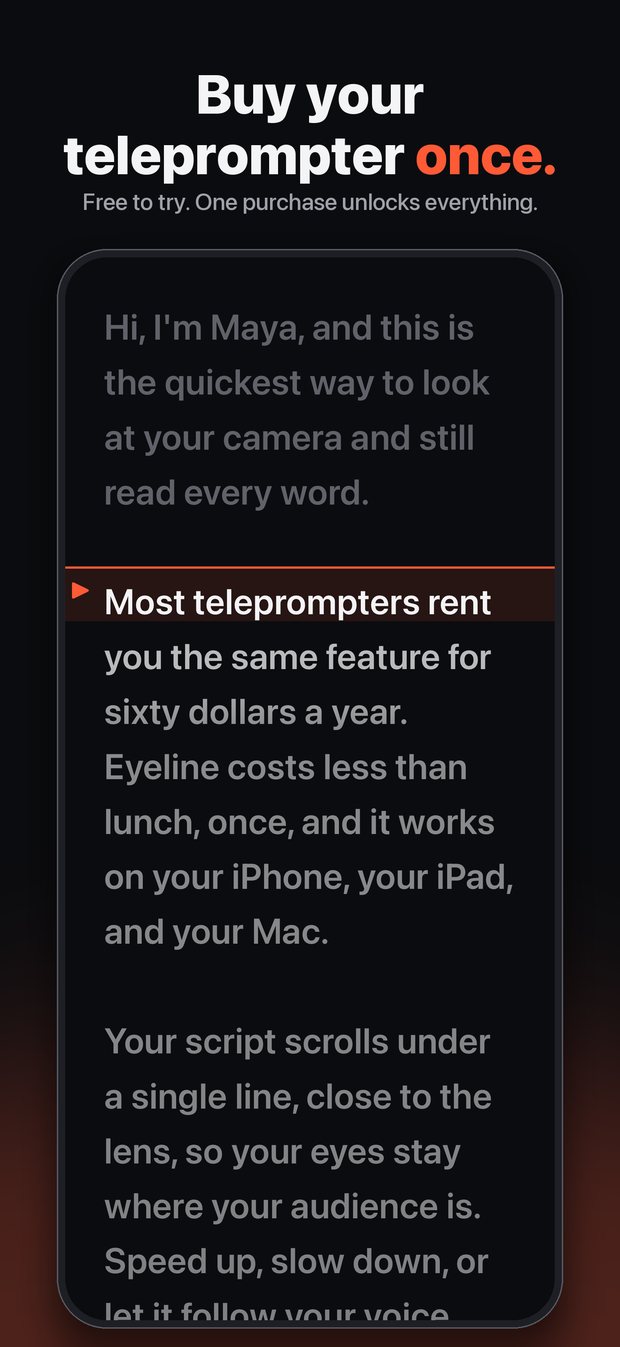
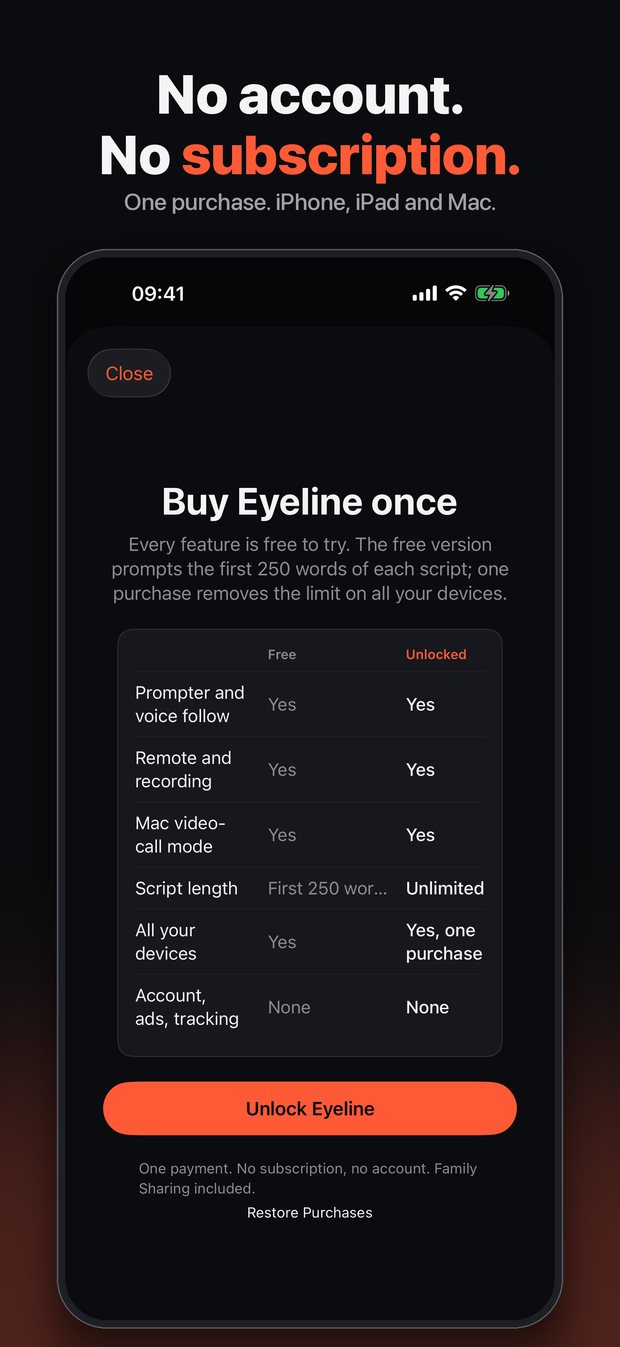
Most top-rated teleprompter apps charge a subscription. Eyeline is a single purchase that covers every feature on every device you own, and Family Sharing is included.
Three things it does well.
Pay once
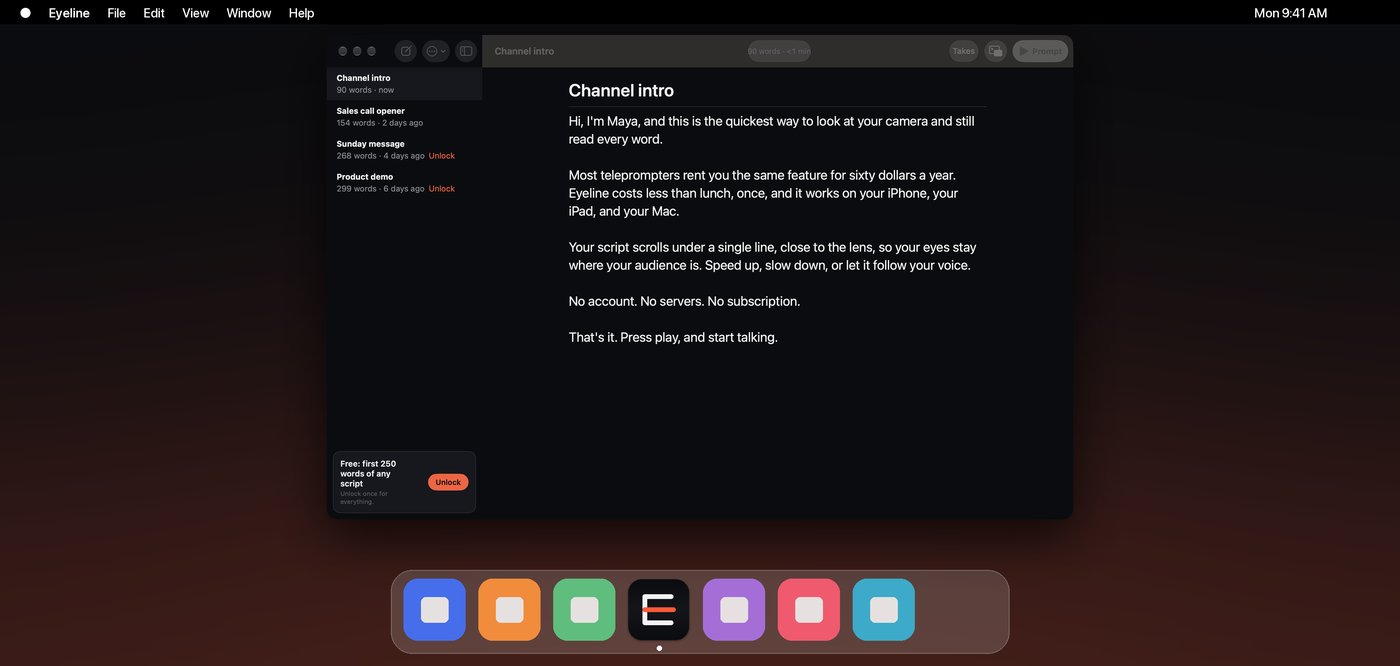
Free to download, with the first 250 words of any script free forever. One purchase removes the limit on iPhone, iPad and Mac. No account to create, nothing to renew.
Nothing to break
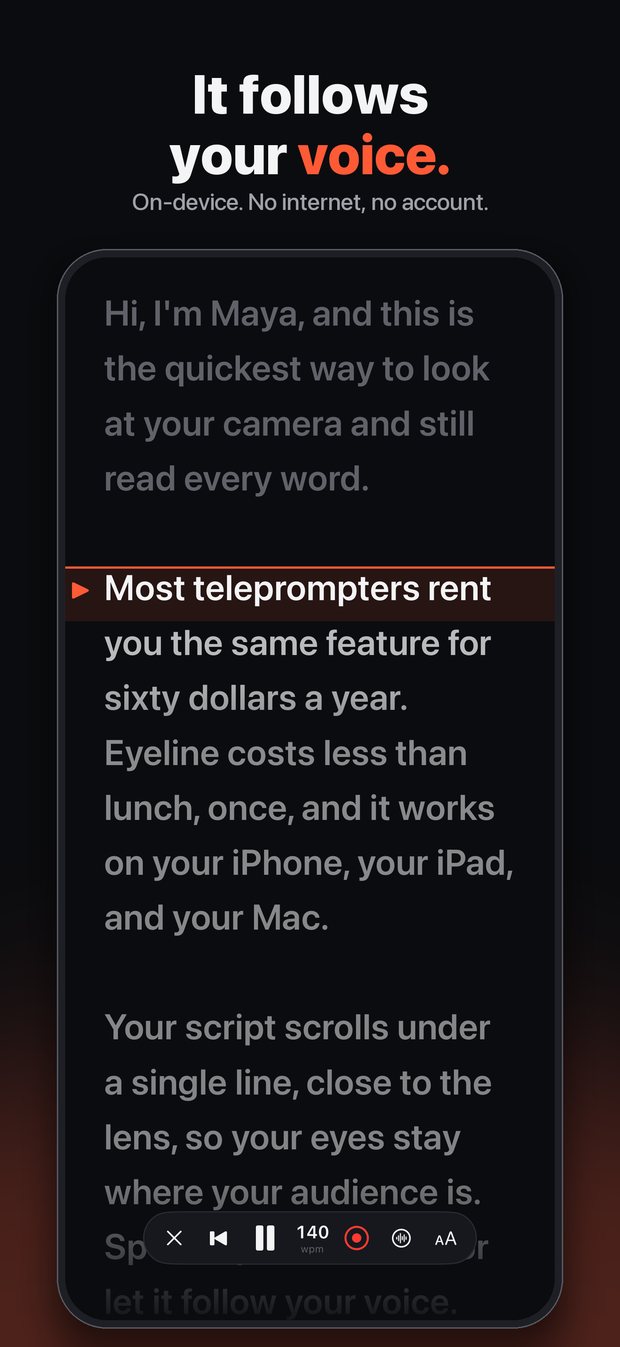
No servers, no sign-in. Scripts live on your device and sync through your own iCloud. Voice follow runs on the device, so it works without a connection.
One prompter, every screen
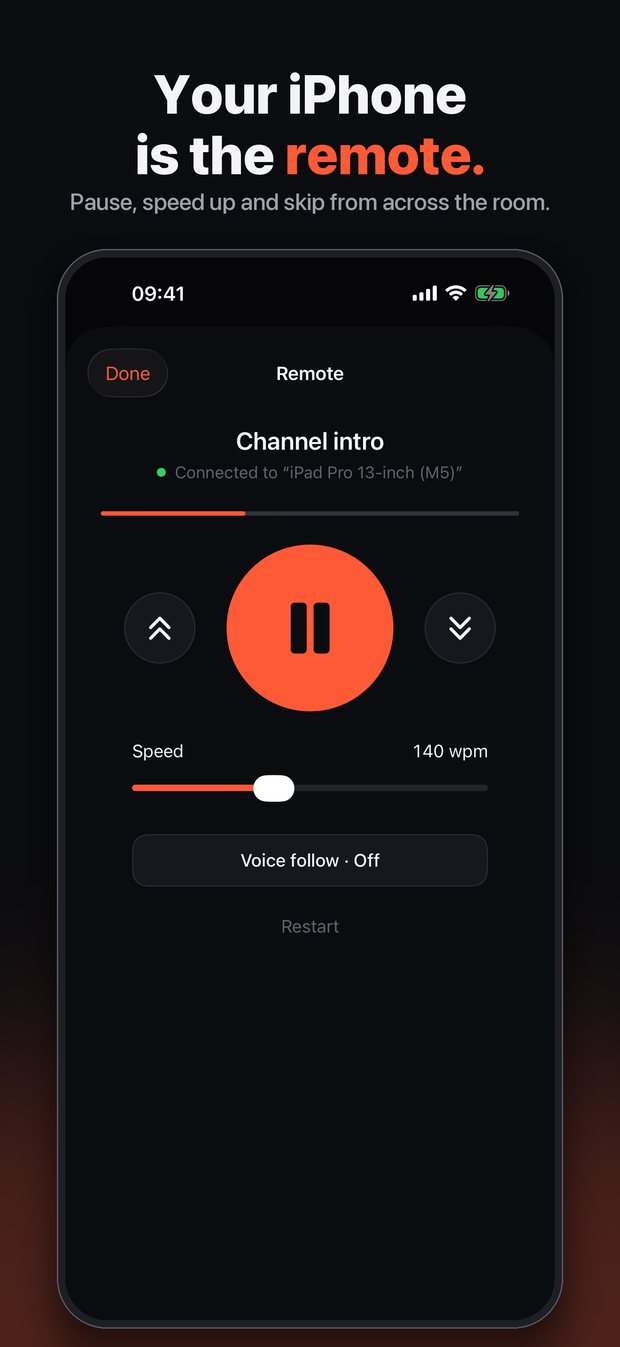
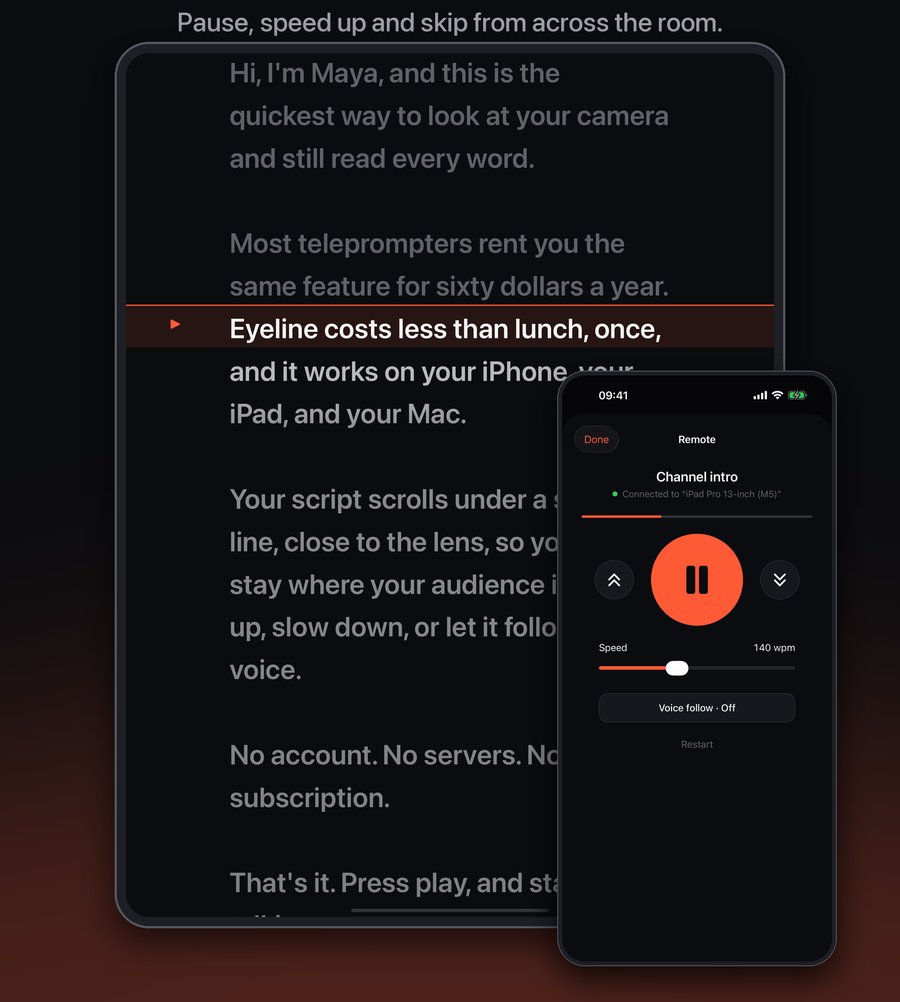
Run it on a Mac, an iPad or an iPhone, and use any of them as the remote for another. They connect directly over your local network.
Made for the way you actually record.
Creators
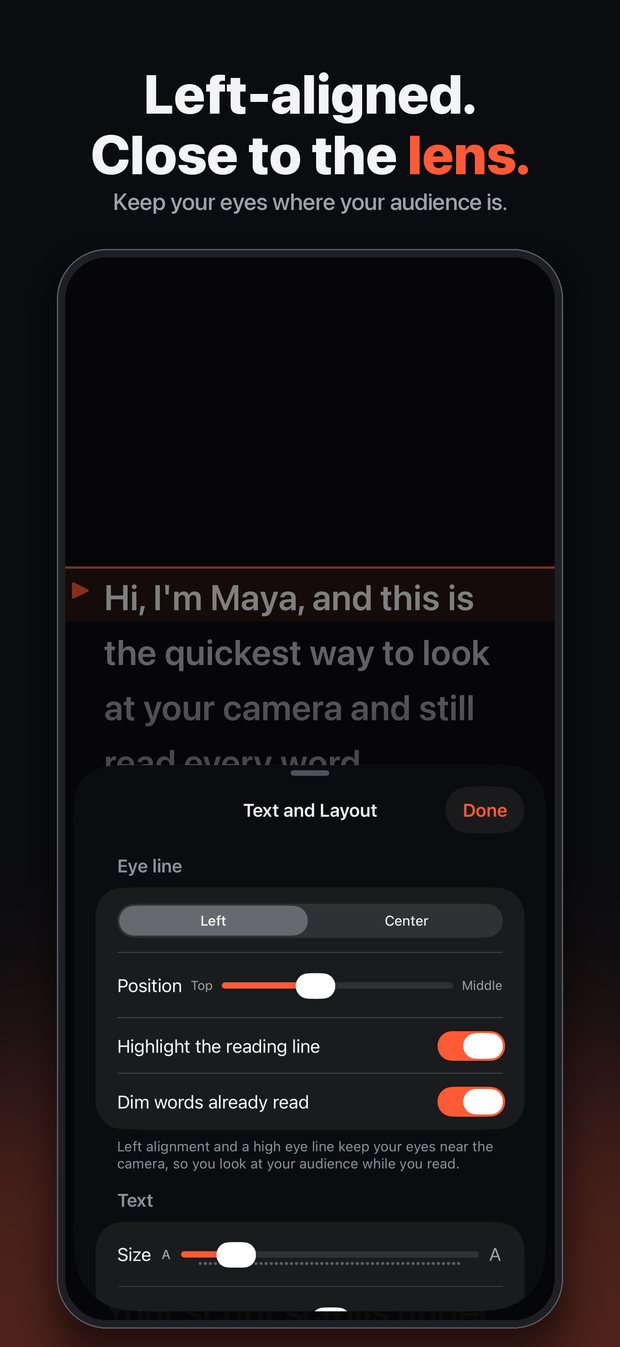
Read from your phone or an iPad on a rig, mirror the text for a beam splitter, change speed while it plays, and record a take with the front camera. Pick the best one from the Takes list.
Video calls (Mac)
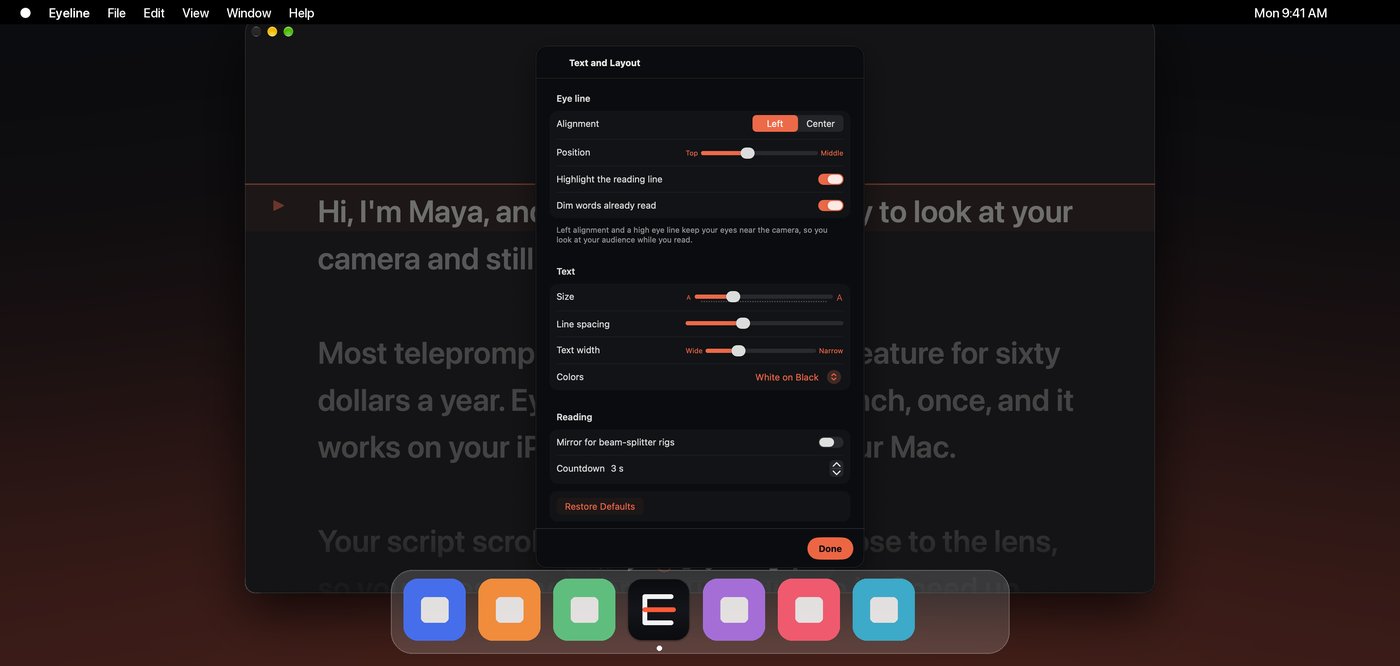
A floating prompter sits right under your camera, so you look at the people you are talking to. It is set to stay out of screen sharing.
Speakers and churches
Large, left-aligned text, a steady pace you control from a Bluetooth pedal or a second device, and scripts that are still there next Sunday.
Hidden when you share your screen.
macOS lets an app mark a window as private to screen capture. Eyeline's floating prompter uses it, so apps that capture your screen through macOS, such as the screen sharing in video-call apps and screen recorders, do not receive it. You still see it.
Worth knowing: this keeps the window out of software screen capture. A camera pointed at your screen, or a hardware capture of your display output, still shows everything on the screen. Screen-sharing apps change, so check your own setup with a test call first.
Everything in the box.
Questions.
Is it really one price?
Yes. Eyeline is free to download and free to try with the first 250 words of any script. One in-app purchase unlocks scripts of any length on iPhone, iPad and Mac. There is no subscription and no account. Launch pricing may be lower than the regular price for a short time. The current price is always shown in the App Store.
What do I get for free?
Every feature, on scripts up to the first 250 words. That is enough to try voice follow, the remote, and recording on a real script before you decide.
Does it need the internet?
No. Prompting, voice follow and recording all work offline. iCloud sync and the App Store purchase need a connection when they happen.
Do you read my scripts?
No. Eyeline has no servers and no account. Scripts stay on your devices and in your own iCloud. See the privacy policy.
Does Family Sharing work?
Yes. Family Sharing is on for the unlock, so people in your family group can use it too.
Will it follow my voice in other languages?
Voice follow uses Apple's on-device speech recognition and the languages your device supports. Accuracy varies by language and microphone.
Does it work on a Mac without a notch?
Yes. The floating prompter works on any Mac that runs the app. On a notched MacBook it sits flush under the top edge near the camera.
Buy your teleprompter once.
Free to try. One purchase. Every device.
Coming soon to the App Store